What Is a Trail Cam Manager — and Why You Need One
Trail cameras have quietly changed the way hunters and wildlife watchers understand their ground. Drop a few cameras over a property and you get an honest, around-the-clock picture of what's moving through — which bucks are showing up, when, and where. The catch is what comes next: the photos.
A single animal walking past a camera doesn't trigger one frame; it triggers a burst of ten or twenty. Run five cameras across a season and you're suddenly sitting on thousands of images — many of them empty frames set off by wind or swaying grass. Worse, if your cameras come from different brands, those photos are scattered across two or three separate apps that don't talk to each other.
That growing pile is exactly the problem a trail cam manager is built to solve.
What is a trail cam manager?
A trail cam manager is software that pulls all your trail camera photos — no matter which brand of camera took them — into a single place where you can view, organise, search, and share them. The better ones go a step further and add AI that automatically identifies what's in each photo, so you're not squinting through every frame by hand.
In other words: instead of one app per camera brand and an evening lost to scrolling, you get one library and a clean timeline of what actually visited your ground. A dedicated trail cam manager turns a chaotic photo dump into something you can actually read.
Why the camera maker's own app usually isn't enough
Most trail-camera brands ship their own companion app — and on the surface that seems fine. The problems show up the moment you own more than one camera:
- Brand lock-in. Each app only works with that maker's hardware. Two or three brands means two or three apps, two or three logins, and no single view of your whole property.
- Per-camera fees. The useful features, especially AI species recognition, are often gated behind a subscription billed per camera, per month. Add cameras and the cost climbs fast.
- Thin organisation. Many OEM apps are really there to deliver images, not to help you manage a large, growing library across seasons.
A brand-independent manager sidesteps all of that by sitting one layer above the hardware: you bring the photos, it does the organising and the analysis.
What TrailCamHub does
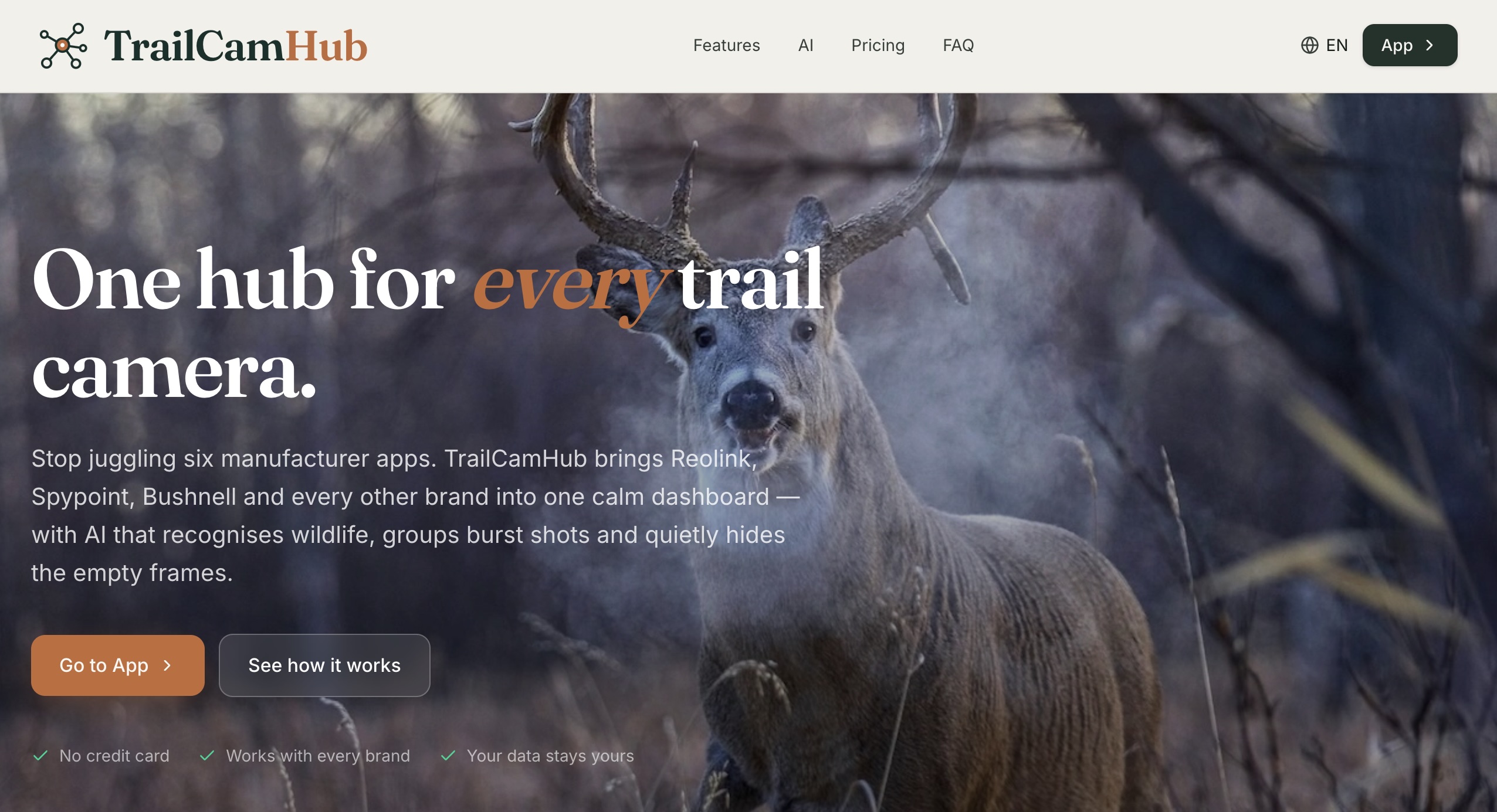
TrailCamHub is a web-based trail cam manager built for exactly this — by a group of hunters who were managing cameras across a large, multi-country territory and were tired of juggling apps. It works in your browser, with no install, and it's brand-agnostic: upload photos and videos from any trail camera and they all land in one library.
On top of storage, it adds automatic recognition to every photo:
- Species identification — region-aware AI names the animals in your photos, in Europe and worldwide.
- Animal counts — it tells you how many animals are in a shot, with duplicates merged so two deer never get counted as three.
- Buck/antler hints — for the deer species you choose, likely antlered males are flagged.
- Empty-frame filtering — wind and false triggers are set aside automatically, so you only review real captures.
- On-photo overlays — boxes drawn right on the image show what was found and where, colour-coded by species.
- Smart grouping — a burst of twenty near-identical frames collapses into a single, tidy event, so you skim a timeline of visits instead of scrolling through raw frames.
It also handles the practical side of a shared property: you can invite buddies or club members and control exactly what each person can see or do, and any people or vehicles caught on camera can be blurred or hidden for privacy.
When (and why) you should use one
A trail cam manager isn't essential for everyone. If you run a single camera and check it occasionally, the maker's app may be all you need. It becomes genuinely worth it when any of these apply:
- You run multiple cameras and want one place to see everything, not a separate app per device.
- You mix brands. This is the big one — a brand-independent manager is the only way to get a unified view across, say, a Browning, a couple of cellular cams and an older model.
- You manage a large or shared property. Hunting clubs and groups who watch the same ground benefit from shared access and consistent organisation.
- You're drowning in photos and want AI to do the first pass — sorting, counting and flagging — so your time goes to decisions, not data entry.
- You're a wildlife watcher, not a hunter, who simply wants trail-cam footage identified and tidy.
How it works, start to finish
The workflow is deliberately simple. You upload (or import) your photos and videos into TrailCamHub. Each one is analysed: the AI finds the animals, identifies the species for your region, counts them, filters out the empty frames, and groups bursts into single events. You're left with a clean, labelled library you can filter, tag, share, or export.
Crucially, you stay in control of accuracy. You choose which species to expect on each camera's ground, and anything the AI is unsure about — or anything that falls outside your expected species list — is flagged for a quick second look rather than presented as fact. It's a fast, powerful first pass, not a black box.
What it costs
TrailCamHub keeps pricing refreshingly straightforward compared with per-camera subscriptions: one flat plan covers unlimited cameras, and AI recognition is paid for by the photo rather than by the camera. There's a free tier to start, so you can bring your cameras, upload some photos and see your first detections before committing.
The bottom line
Trail cameras are only as useful as your ability to make sense of what they capture. Once you're past a single camera — and especially once you're mixing brands or sharing ground with others — a dedicated trail cam manager stops being a nice-to-have and starts saving you real hours every week. If that sounds like your setup, a brand-independent, AI-powered manager like TrailCamHub is the most direct way to turn photo overload into a clear picture of your wildlife.